


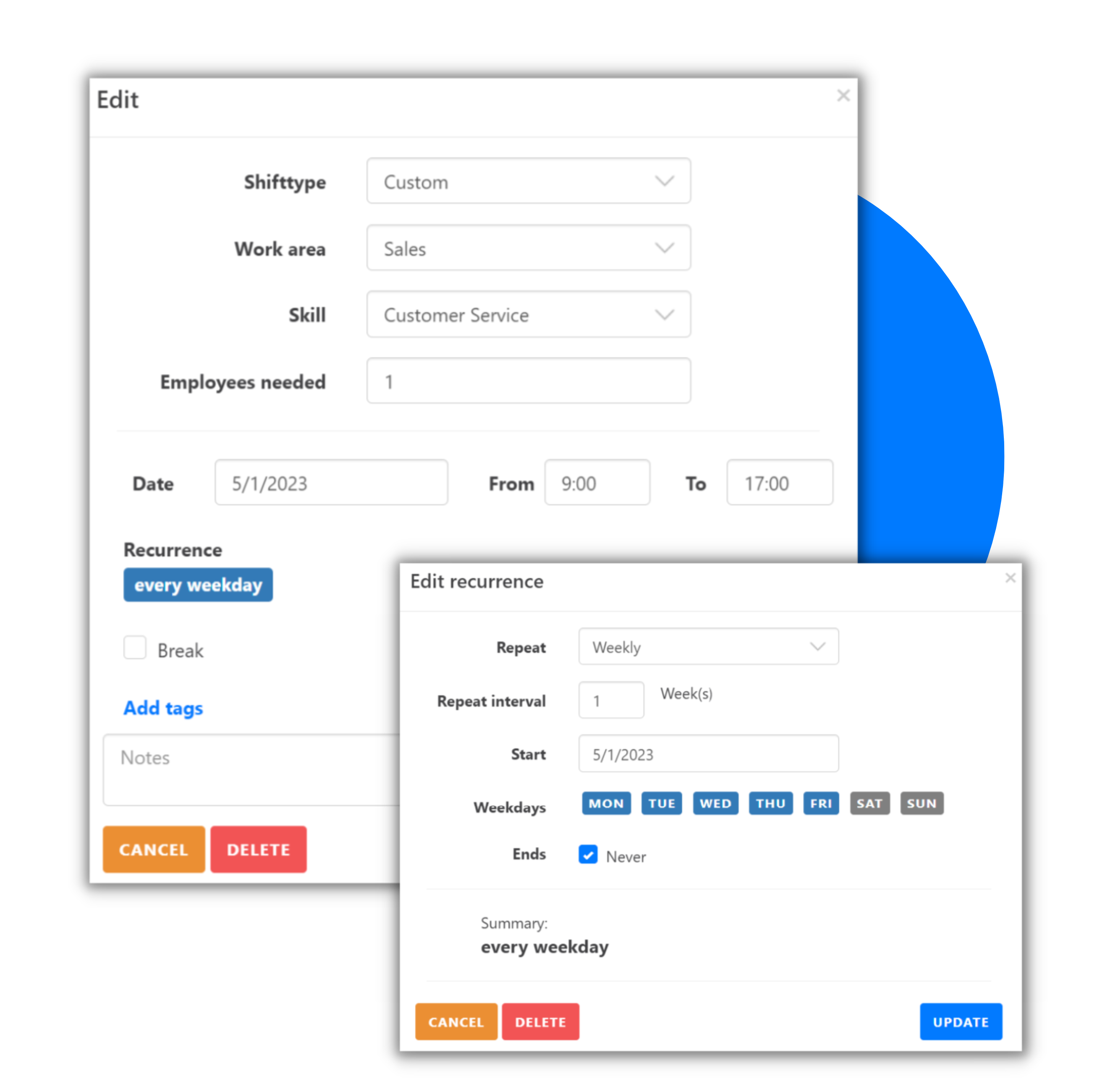
Shift types help simplify shift scheduling. With them, you can define default values for various fields that are automatically set for shifts of that type. Here are the fields you can configure:
- Name: The name of the shift type, e.g., Night Shift
- Abbreviation: A short form for the shift type, e.g., N
- Standard times: The standard working hours for this shift type, e.g., 1:00-7:00
- Standard work area: The preset work area, e.g., Pre-assembly
- Standard skill: The required qualification for this shift type (optional)
- Allowed employees: Employees eligible for this shift type
- Color: The color this shift type should have in the scheduling diagram
- Hashtags: Keywords for better categorization and search
These templates help you create shifts more quickly and consistently.


