Scenario 3: Notification for Absence that Doesn’t Require Approval
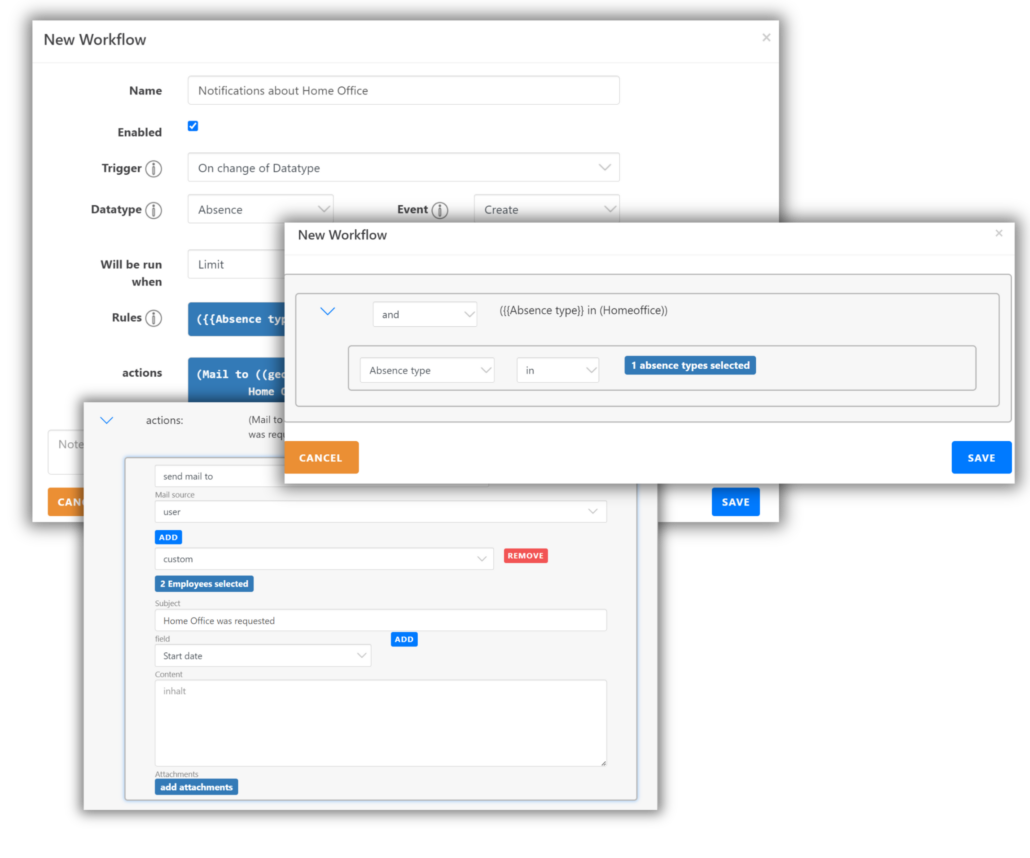
In many cases, the absence type “Home Office” doesn’t require approval. However, team leaders or managers may still want to be notified when this absence type is requested. With a workflow, you can send an email notification whenever someone requests “Home Office.”
The trigger for this workflow is “Edit Datatype”. You can define the data type and event that will trigger the workflow. In this example, the workflow runs whenever an absence is created. Since it only applies to “Home Office” absences, the workflow is limited by setting a rule to trigger only when the absence type is “Home Office.”
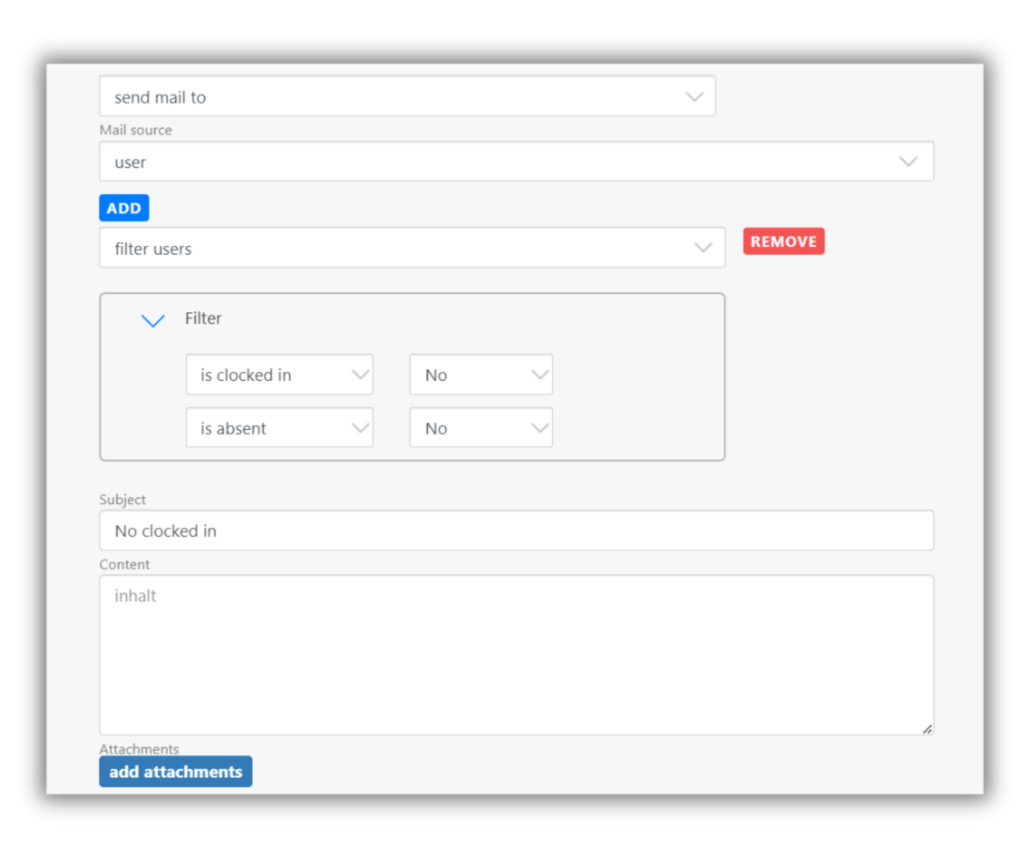
Action: Choose “Send Email to” and specify the email address or select the users who should receive the email. Be sure to fill in the subject line. The email content is optional.
Other use cases can be easily covered with workflows in a similar manner.